Error Handling in JavaScript: Try, Catch, Finally Explained
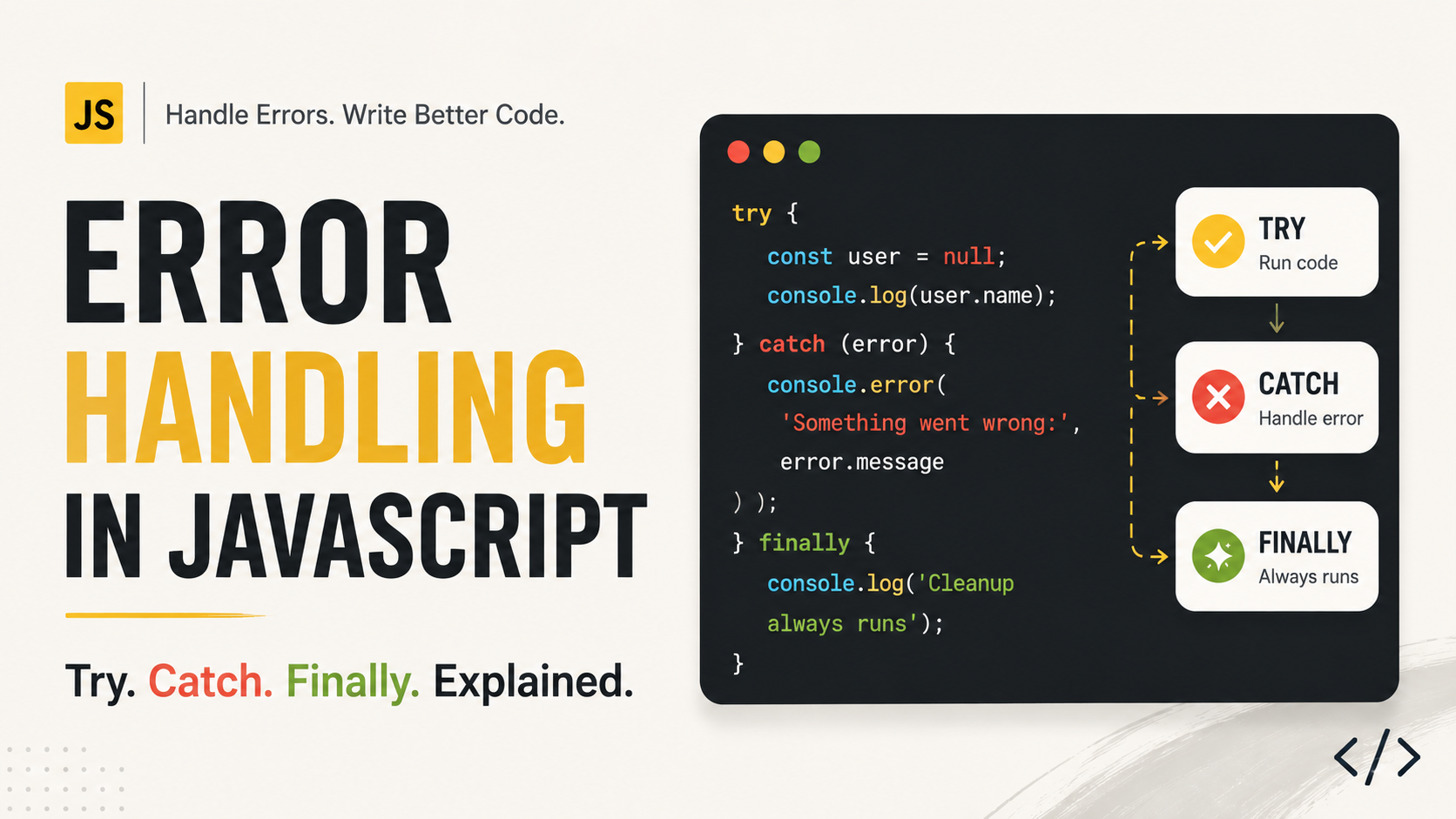
Your JavaScript code can be perfectly valid and still fail while running.
For example:
const user = null;

console.log(user.name);
The code is syntactically valid, but JavaScript throws a runtime error because you cannot access name from null.
Another example:
const result = JSON.parse("invalid json");
This also fails while the program is running.
Errors are a normal part of software development.
The important question isn't:
"How do I make sure errors never happen?"
It's:
"What should my program do when an error happens?"
That's where JavaScript's error-handling tools become important.
What Is an Error in JavaScript?
An error is a problem that occurs while JavaScript is executing code.
For example:
console.log(userName);
If userName hasn't been defined, JavaScript throws a ReferenceError.
Common JavaScript errors include:
ReferenceError— trying to use something that doesn't existTypeError— performing an invalid operation on a valueSyntaxError— invalid JavaScript syntaxRangeError— using a value outside an allowed range
For example:
const number = 10;

number.toUpperCase();
This causes a TypeError because toUpperCase() is a string method, not a number method.
What Happens When an Error Isn't Handled?
Consider:
console.log("Start");

const user = null;
console.log(user.name);

console.log("End");
Once JavaScript encounters the error, normal execution stops at that point.
So "End" isn't printed.
Conceptually:
Start
  ↓
Error occurs
  ↓
Execution stops
For a small script, this might simply produce an error in the console.
In a real application, an unhandled error could cause a feature to fail, leave the user confused, or prevent important cleanup code from running.
This is why applications need graceful failure.
Instead of letting an error unexpectedly break a flow, we can detect it and decide what should happen next.
try and catch
JavaScript provides try and catch for handling errors.
try {
  // Code that might fail
} catch (error) {
  // Handle the error
}
For example:
try {
  const user = null;
  console.log(user.name);
} catch (error) {
  console.log("Something went wrong");
}
Instead of the error escaping and stopping this flow, the catch block gets control.
The basic flow is:
try
 │
 │ Code runs
 │
 ├── No error ─────────→ Continue
 │
 └── Error ────────────→ catch
The catch block receives the error that was thrown.
Understanding the error Object
The value received by catch usually provides useful information about what went wrong.
try {
  const user = null;
  console.log(user.name);
} catch (error) {
  console.log(error.name);
  console.log(error.message);
}
For example, you might see:
TypeError
Cannot read properties of null
You can also inspect the complete error:
console.log(error);
This is especially useful during debugging because the error often contains a stack trace showing where the problem originated.
A common pattern is:
try {
  riskyOperation();
} catch (error) {
  console.error("Operation failed:", error);
}
During development, don't hide useful error information unnecessarily.
What Does finally Do?
Sometimes you need certain code to run whether an operation succeeds or fails.
That's what finally is for.
try {
  // Code
} catch (error) {
  // Handle error
} finally {
  // Always runs
}
For example:
try {
  console.log("Processing...");
} catch (error) {
  console.log("Something went wrong");
} finally {
  console.log("Finished");
}
The finally block runs after the try or catch block.
The execution order is:
          try
           │
      ┌────┴────┐
      ↓         ↓
   Success    Error
      │         │
      │       catch
      │         │
      └────┬────┘
           ↓
        finally
When Is finally Useful?
It's commonly used for cleanup.
For example, imagine showing a loading indicator while an API request is running:
showLoading();

try {
  await fetchData();
} catch (error) {
  console.error(error);
} finally {
  hideLoading();
}
Whether the request succeeds or fails, the loading indicator should disappear.
That's a perfect use case for finally.
Throwing Your Own Errors
JavaScript doesn't only throw errors automatically.
You can deliberately throw an error using throw.
throw new Error("Something went wrong");
For example:
function withdraw(balance, amount) {
  if (amount > balance) {
    throw new Error("Insufficient balance");
  }

  return balance - amount;
}
Now the function explicitly rejects an invalid operation.
You can handle that error elsewhere:
try {
  const remaining = withdraw(100, 150);
  console.log(remaining);
} catch (error) {
  console.log(error.message);
}
Output:
Insufficient balance
This is useful because the function can communicate:
"The input or operation isn't valid, so I can't continue normally."
Why Use new Error()?
You could technically throw other values:
throw "Something went wrong";
But it's generally better to throw an Error object:
throw new Error("Something went wrong");
Error objects provide useful information such as:
namemessagestack information
This makes errors more consistent and useful for debugging.
Custom Error Types
For larger applications, you may want errors that represent specific situations.
JavaScript allows you to create custom error classes:
class ValidationError extends Error {
  constructor(message) {
    super(message);
    this.name = "ValidationError";
  }
}
You can then throw one:
throw new ValidationError("Email is required");
And handle it:
try {
  throw new ValidationError("Email is required");
} catch (error) {
  console.log(error.name);
  console.log(error.message);
}
This becomes useful when different errors need different handling.
For example:
ValidationError
    ↓
Show validation message

NetworkError
    ↓
Retry request

AuthenticationError
    ↓
Ask user to log in
You don't need custom error classes for every project, but they're valuable when an application has more complex error-handling requirements.
Error Handling With Functions
Error handling becomes especially useful when a function performs an operation that can fail.
For example:
function parseUserData(data) {
  try {
    return JSON.parse(data);
  } catch (error) {
    console.error("Invalid JSON:", error.message);
    return null;
  }
}
Now invalid input doesn't unexpectedly break the caller.
const user = parseUserData("invalid data");

if (user === null) {
  console.log("Could not load user data");
}
This is an example of graceful failure.
Instead of pretending the operation cannot fail, the program recognizes the failure and decides how to respond.
Error Handling With Promises and async/await
Error handling is particularly important with asynchronous code.
With Promise chains, .catch() handles rejected Promises:
fetch("/api/users")
  .then((response) => response.json())
  .then((users) => {
    console.log(users);
  })
  .catch((error) => {
    console.error("Request failed:", error);
  });
With async/await, you can use try/catch:
async function loadUsers() {
  try {
    const response = await fetch("/api/users");
    const users = await response.json();

    console.log(users);
  } catch (error) {
    console.error("Request failed:", error);
  }
}
This makes the relationship clear:
Promise rejection
      ↓
.catch()

async/await
      ↓
try/catch
And finally works here too:
async function loadUsers() {
  showLoading();

  try {
    const response = await fetch("/api/users");
    const users = await response.json();

    console.log(users);
  } catch (error) {
    console.error(error);
  } finally {
    hideLoading();
  }
}
This is a very common pattern in modern JavaScript applications.
Error Handling Is Not Just About Avoiding Crashes
Good error handling has two audiences:
For users
Give them a useful response.
Instead of:
TypeError: Cannot read properties of undefined
A user might see:
We couldn't load your profile. Please try again.
For developers
Keep enough information to understand and fix the problem.
For example:
catch (error) {
  console.error("Profile request failed:", error);
}
The goal is therefore:
Technical error
      ↓
Capture it
      ↓
Understand it
      ↓
Handle it appropriately
      ↓
Give the user a useful result
Don't Hide Every Error
Error handling doesn't mean putting everything inside try/catch and ignoring failures.
Avoid code like:
try {
  doSomething();
} catch (error) {
  // Ignore everything
}
This can make debugging much harder.
If an error matters, handle it meaningfully.
For example:
try {
  saveProfile();
} catch (error) {
  console.error("Could not save profile:", error);
  showErrorMessage();
}
Now both the application and developer get useful information.
try → catch → finally: The Core Model
You can remember the entire system with three questions:
try
What code might fail?
try {
  riskyOperation();
}
catch
What should happen if it fails?
catch (error) {
  handleError(error);
}
finally
What must happen regardless?
finally {
  cleanup();
}
Together:
             try
              │
       ┌──────┴──────┐
       ↓             ↓
    Success        Error
       │             │
       │           catch
       │             │
       └──────┬──────┘
              ↓
           finally
              ↓
           Continue
Best Practices
A few simple rules will take you a long way:
1. Handle errors where you can actually respond to them
Don't catch an error just to immediately ignore it.
2. Preserve useful error information
During development, inspect the error and stack trace.
3. Use throw new Error()
Prefer standard Error objects over throwing strings or arbitrary values.
4. Use finally for cleanup
Loading states, temporary resources, and other cleanup operations are good candidates.
5. Give users useful feedback
Technical error messages are useful to developers, not usually to users.
6. Don't use errors for normal control flow
If something is an expected condition, ordinary logic is often clearer than throwing and catching an error.
Quick Cheat Sheet
| Feature | Purpose |
|---|---|
try |
Run code that might fail |
catch |
Handle an error |
finally |
Run cleanup regardless of outcome |
throw |
Create/trigger an error |
new Error() |
Create a standard Error object |
.catch() |
Handle rejected Promises |
async/await + try/catch |
Handle asynchronous errors |
Final Takeaway
Errors are not necessarily signs that your application is badly written.
Unexpected failures are part of real software.
Good JavaScript code anticipates that operations can fail and handles those failures deliberately.
The core mental model is simple:
        try
         ↓
Run risky operation
         ↓
 ┌───────────────┐
 │               │
Success         Error
 │               │
 │            catch
 │               │
 └───────┬───────┘
         ↓
      finally
         ↓
      Continue
Use try to identify code that might fail, catch to respond to the failure, finally for cleanup, and throw when your own code needs to report an invalid operation.
The goal of error handling isn't to pretend errors don't happen.
It's to make sure that when they do happen, your application fails gracefully, your users get a useful experience, and you still have enough information to debug the problem.