JavaScript Promises Explained: From Callbacks to Async/Await
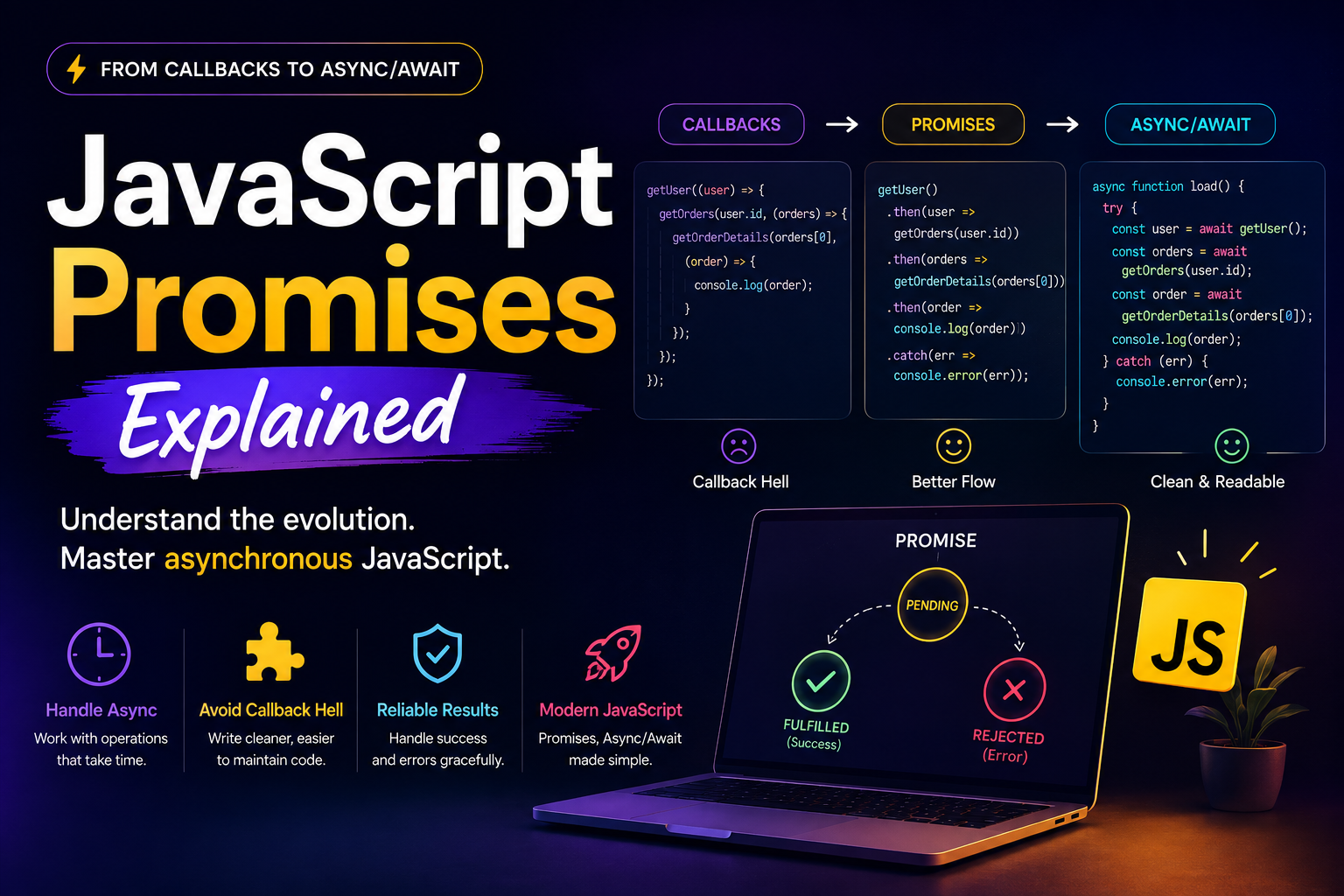
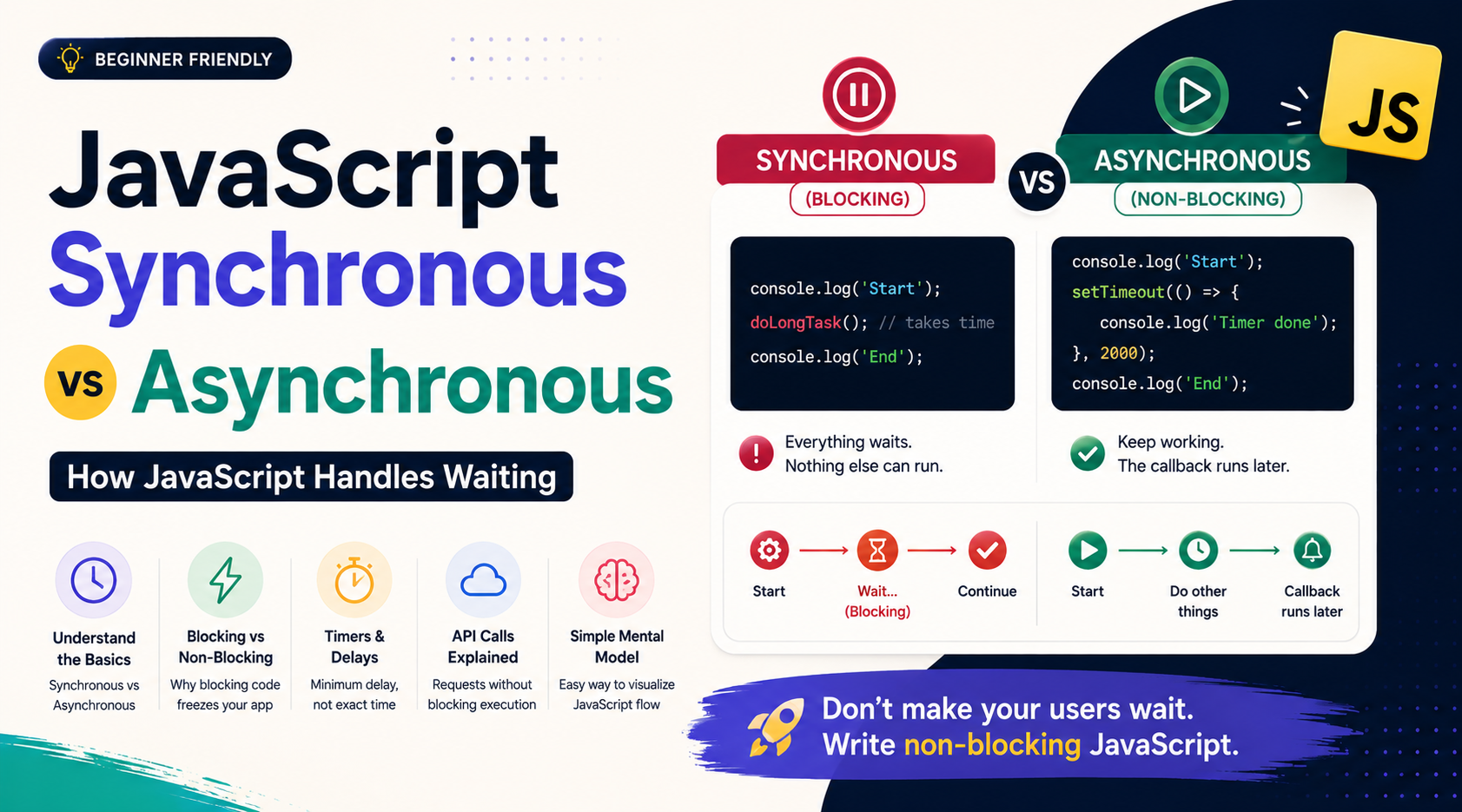
JavaScript often needs to wait for things that don't finish immediately.
Fetching data from an API, waiting for a timer, reading a file, or saving information somewhere can all take time.
But JavaScript shouldn't stop doing everything else while waiting.
So how do we handle a value that isn't available yet?
JavaScript has evolved several ways to handle asynchronous operations:
Callbacks
    ↓
Promises
    ↓
async/await
In this article, we'll understand that evolution and, most importantly, learn how Promises work, why they matter, and when to use them.
The Problem: Some Results Take Time
Consider an API request:
const response = fetch("/api/users");
The response doesn't arrive instantly.
The application has to:
Start the request
Wait for the server
Receive the response
Process the result
The important part is that we don't want JavaScript to freeze while waiting.
Instead, we need a way to say:
"Start this operation. When the result is ready, do something with it."
That's the problem asynchronous programming needs to solve.
1. Callbacks: The Original Approach
One of the earliest common solutions was the callback.
A callback is simply a function that you give to another function so it can call it later.
getUser((user) => {
  console.log(user);
});
The idea is straightforward:
Start operation
      ↓
Wait
      ↓
Result available
      ↓
Run callback
Callbacks work well for simple operations.
The problem appears when multiple asynchronous operations depend on each other.
For example:
getUser((user) => {
  getOrders(user.id, (orders) => {
    getOrderDetails(orders[0], (order) => {
      console.log(order);
    });
  });
});
Now the code becomes deeply nested.
As more operations are added, the flow becomes harder to read and maintain.
This is commonly called callback hell.
The problem isn't that callbacks are bad.
The problem is that deeply nested callbacks make complex asynchronous flows difficult to manage.
And this is where Promises become useful.
2. Promises: A Better Way to Represent Future Results
A Promise represents the eventual result of an asynchronous operation.
Think of it as a placeholder for a value you don't have yet.
For example:
const promise = fetch("/api/users");
You don't have the server's response immediately.
But you have a Promise representing the response that will eventually arrive.
Think of it like this:
              Promise
                 │
          "I don't have
           the result yet"
                 │
          ┌──────┴──────┐
          ↓             ↓
       Success        Failure
          ↓             ↓
       Result          Error
This is the core idea behind Promises.
3. The Three States of a Promise
Every Promise has one of three states.
Pending
The operation is still in progress.
"Waiting..."
Fulfilled
The operation completed successfully.
"Here's your result."
Rejected
The operation failed.
"Something went wrong."
The lifecycle looks like this:
             PENDING
                │
          ┌─────┴─────┐
          ↓           ↓
     FULFILLED     REJECTED
          │           │
          ↓           ↓
       Success       Error
A Promise starts as pending and eventually becomes either fulfilled or rejected.
Once it settles, its state doesn't change again.
4. Creating a Promise
You can create a Promise using the Promise constructor:
const promise = new Promise((resolve, reject) => {
  // operation
});
It provides two functions:
resolve()→ marks the Promise as fulfilledreject()→ marks the Promise as rejected
For example:
const promise = new Promise((resolve, reject) => {
  resolve("Operation completed");
});
The Promise is now fulfilled with "Operation completed".
Or:
const promise = new Promise((resolve, reject) => {
  reject("Operation failed");
});
Now the Promise is rejected.
In real applications, you will often consume Promises returned by APIs and libraries rather than create them yourself.
For example:
fetch("/api/users");
fetch() returns a Promise.
5. Handling a Successful Promise
To handle a fulfilled Promise, use .then().
promise.then((result) => {
  console.log(result);
});
For example:
const promise = new Promise((resolve) => {
  setTimeout(() => {
    resolve("Data received");
  }, 2000);
});

promise.then((result) => {
  console.log(result);
});
After the operation completes:
Data received
The basic idea is:
Promise
   ↓
.then()
   ↓
Handle successful result
6. Handling Promise Errors
What happens when the operation fails?
Use .catch().
const promise = new Promise((resolve, reject) => {
  reject("Request failed");
});

promise
  .then((result) => {
    console.log(result);
  })
  .catch((error) => {
    console.log(error);
  });
Now the rejected Promise is handled by .catch().
Think of it as:
.then()  → successful result
.catch() → error
You can also use .finally() when something should happen regardless of success or failure:
promise
  .then((result) => {
    console.log(result);
  })
  .catch((error) => {
    console.log(error);
  })
  .finally(() => {
    console.log("Finished");
  });
For example, you might use finally() to hide a loading indicator after an API request finishes.
7. Promise Chaining
One of the most useful features of Promises is chaining.
Suppose we need to:
Get user
   ↓
Get their orders
   ↓
Get order details
   ↓
Display result
With Promises:
getUser()
  .then((user) => {
    return getOrders(user.id);
  })
  .then((orders) => {
    return getOrderDetails(orders[0]);
  })
  .then((order) => {
    console.log(order);
  })
  .catch((error) => {
    console.log(error);
  });
This is easier to follow because the asynchronous flow moves mostly from top to bottom instead of becoming deeply nested.
How does the chain work?
A .then() returns a Promise.
If you return another Promise from it:
.then((user) => {
  return getOrders(user.id);
})
the next .then() waits for that returned Promise.
So:
Promise 1
   ↓
.then()
   ↓
Promise 2
   ↓
.then()
   ↓
Promise 3
   ↓
.then()
   ↓
Result
This is the heart of Promise chaining.
8. Why Returning Matters
Consider:
getUser()
  .then((user) => {
    return getOrders(user.id);
  })
  .then((orders) => {
    console.log(orders);
  });
The return passes the Promise from getOrders() to the next step.
Without it:
getUser()
  .then((user) => {
    getOrders(user.id);
  })
  .then((orders) => {
    console.log(orders);
  });
the next .then() doesn't wait for getOrders() in the same way.
So when building chains, remember:
Return the Promise you want the next
.then()to wait for.
9. Callbacks vs Promises
Here's the difference at a high level.
Callback style
getUser((user) => {
  getOrders(user.id, (orders) => {
    getOrderDetails(orders[0], (order) => {
      console.log(order);
    });
  });
});
Promise style
getUser()
  .then((user) => getOrders(user.id))
  .then((orders) => getOrderDetails(orders[0]))
  .then((order) => console.log(order))
  .catch((error) => console.log(error));
The Promise version gives the flow a more predictable structure:
Operation
   ↓
Operation
   ↓
Operation
   ↓
Success

Any failure
   ↓
.catch()
Promises don't eliminate asynchronous complexity.
They provide a better structure for managing it.
10. Where Promises Are Used
Promises are everywhere in modern JavaScript.
API requests
fetch("/api/products")
  .then((response) => response.json())
  .then((products) => {
    console.log(products);
  })
  .catch((error) => {
    console.log(error);
  });
Timers
You can wrap timer-based operations in Promises:
const wait = (ms) =>
  new Promise((resolve) => {
    setTimeout(resolve, ms);
  });

wait(2000).then(() => {
  console.log("Two seconds passed");
});
File operations
Node.js APIs provide Promise-based versions of many file operations:
import { readFile } from "node:fs/promises";

readFile("data.txt", "utf8")
  .then((data) => {
    console.log(data);
  })
  .catch((error) => {
    console.log(error);
  });
The common pattern is:
Start asynchronous operation
          ↓
       Promise
          ↓
   ┌──────┴──────┐
   ↓             ↓
Success        Failure
   ↓             ↓
 .then()       .catch()
11. Then Came async/await
Promises solved a lot of readability problems.
But long chains can still become difficult to read.
That's where async/await comes in.
async/await is essentially a cleaner way to work with Promises.
Consider:
getUser()
  .then((user) => getOrders(user.id))
  .then((orders) => getOrderDetails(orders[0]))
  .then((order) => {
    console.log(order);
  })
  .catch((error) => {
    console.log(error);
  });
With async/await:
async function loadOrder() {
  try {
    const user = await getUser();
    const orders = await getOrders(user.id);
    const order = await getOrderDetails(orders[0]);

    console.log(order);
  } catch (error) {
    console.log(error);
  }
}
The second version reads more like normal step-by-step code:
Get user
   ↓
Get orders
   ↓
Get order details
   ↓
Display order
That's the major benefit of async/await.
12. How async/await Actually Relates to Promises
This distinction is important:
async/await does not replace Promises.
It works with Promises.
An async function always returns a Promise:
async function getMessage() {
  return "Hello";
}
So:
getMessage().then((message) => {
  console.log(message);
});
works because getMessage() returns a Promise.
And await is used to wait for a Promise to settle:
const message = await getMessage();
You can think of it like this:
Callbacks
    ↓
A way to handle results later

Promises
    ↓
Represent and manage future results

async/await
    ↓
Cleaner syntax for working with Promises
So learning Promises is important even if you mostly write async/await.
13. When Should You Use Each?
Callbacks
Callbacks are still useful when:
Working with callback-based APIs
Handling event listeners
Passing a function to execute later
For example:
button.addEventListener("click", () => {
  console.log("Clicked");
});
Not every callback is an asynchronous workflow that needs Promises.
Promises
Use Promises when:
An operation produces a future result
You need to compose asynchronous operations
You're working with Promise-based APIs
You want
.then(),.catch(), or Promise utilities
Promises are especially important for understanding how asynchronous JavaScript actually works.
async/await
Use async/await when:
You want Promise-based code to read sequentially
You have multiple dependent asynchronous operations
You want straightforward
try/catcherror handlingA Promise chain is becoming difficult to read
In modern JavaScript applications, async/await is often the most readable way to consume Promises.
14. A Simple Model
Don't think of a Promise as "a delayed value."
Think of it as:
A container representing the future outcome of an operation.
That outcome can be:
             Promise
                │
             Pending
                │
        ┌───────┴───────┐
        ↓               ↓
    Fulfilled        Rejected
        │               │
        ↓               ↓
    .then()          .catch()
And when you want to write that Promise-based flow in a more sequential style:
async function run() {
  try {
    const result = await somePromise();
    console.log(result);
  } catch (error) {
    console.log(error);
  }
}
Promise Cheat Sheet
| Concept | Meaning |
|---|---|
| Promise | Represents an eventual result |
| Pending | Operation hasn't finished |
| Fulfilled | Operation succeeded |
| Rejected | Operation failed |
resolve() |
Fulfill a Promise |
reject() |
Reject a Promise |
.then() |
Handle success |
.catch() |
Handle errors |
.finally() |
Run after settlement |
| Chaining | Connect multiple Promise operations |
async |
Makes a function return a Promise |
await |
Waits for a Promise inside an async function |
Final Takeaway
JavaScript's approach to asynchronous code has evolved:
Callbacks
   ↓
Promises
   ↓
async/await
Callbacks provided a way to run code when an operation finished, but deeply nested callbacks could become difficult to manage.
Promises introduced a structured representation of a future result, with clear states and methods for handling success and failure.
Then async/await provided a cleaner syntax for consuming those Promises.
The most important thing to remember is:
Promises are the foundation.
async/awaitis a cleaner way to work with them.
Once you understand that a Promise starts pending, becomes fulfilled or rejected, and can be handled with .then() and .catch(), asynchronous JavaScript becomes much easier to reason about.
And when several asynchronous operations need to happen in sequence, Promise chaining and async/await give you readable ways to express that flow.